
Running an async standup
Verified against v0.10.0 · internal/standup/state.go, internal/standup/schedule.go, internal/standup/ics.go, internal/standup/mentions.go, internal/standup/away.go, internal/standup/trend.go, internal/store/standup_trend.go, internal/store/sessions.go, internal/session/registry.go, internal/api/standup_away.go, web/src/components/AsyncDigest.tsx, web/src/components/AwayDays.tsx, web/src/components/StandupTrend.tsx, web/src/pages/StandupRoom.tsx, web/src/pages/SpacePage.tsx, web/src/components/StandupSchedulePanel.tsx
An async standup is the same three questions as a live one, answered when each person has a minute rather than in one room at one time. This page walks through a week of running one. The reference for every rule is on the daily standup page.
1. Open one
Section titled “1. Open one”Start a new standup in the space and choose Async as the mode. There is no speaking order and no timer: everyone who opens the room gets the answer form. Cutoff is optional and in your own local time; it publishes when answers are due without ending the standup.
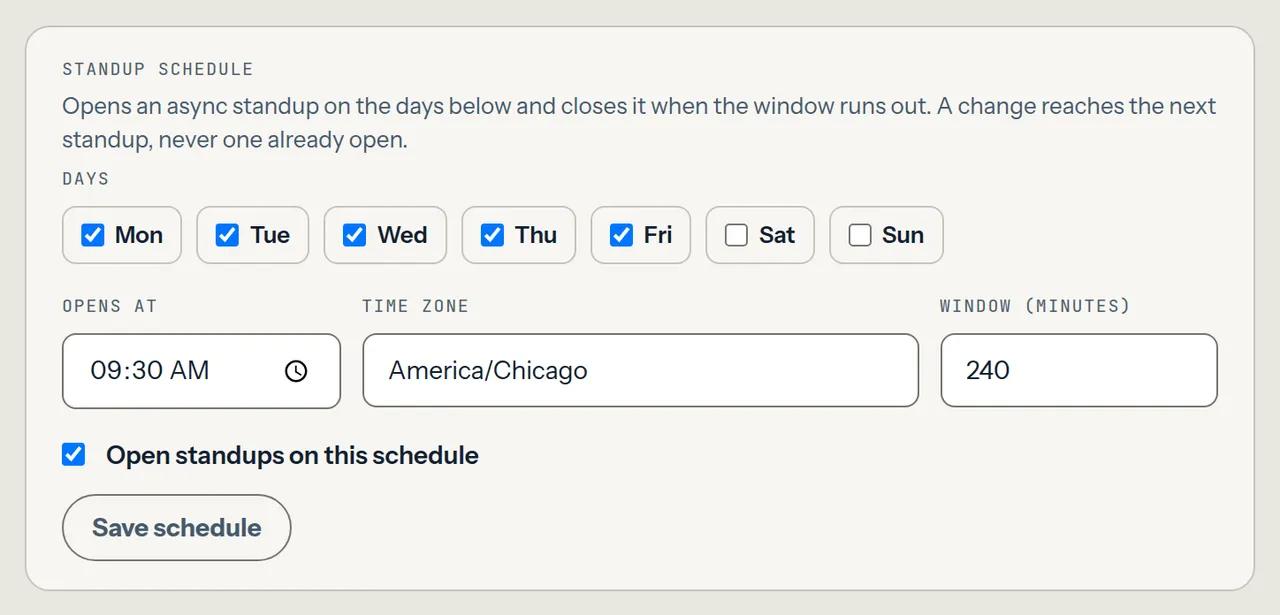
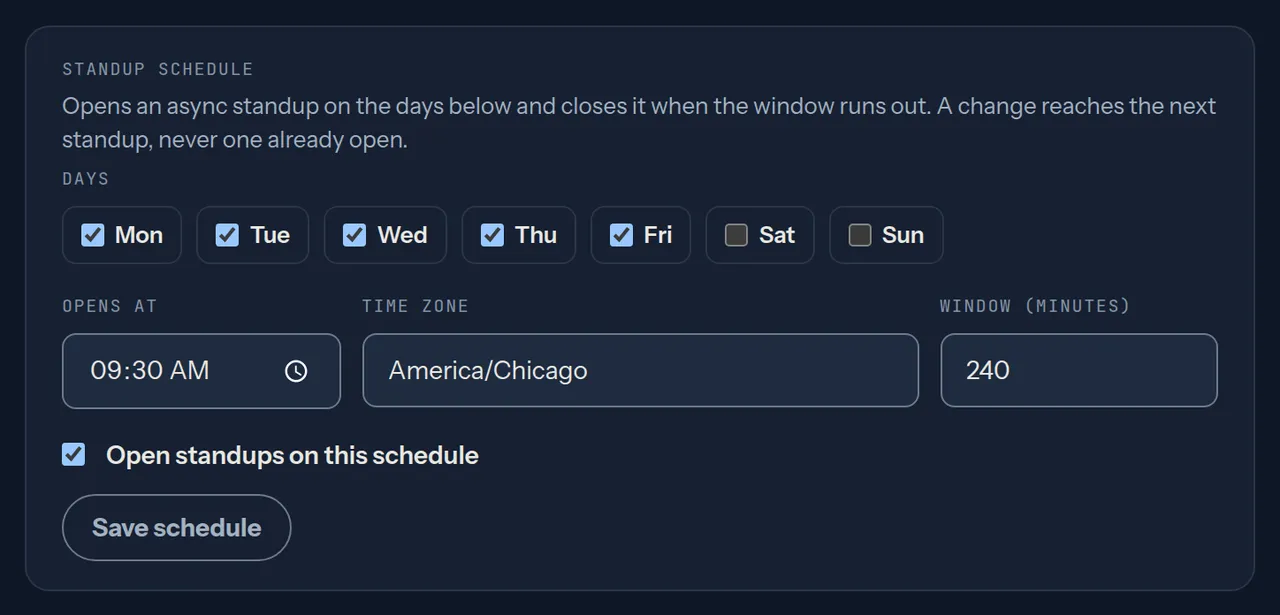
For a standup that opens itself, a space owner sets a schedule — weekdays, a local open time, a time zone and a window — under Standup schedule on the space’s settings page. Each scheduled day opens a new async standup, and opening it ends the previous one. See Scheduled async standups.
2. Get a reminder, once
Section titled “2. Get a reminder, once”Each person can mint their own calendar feed with POST /api/me/ics and
subscribe to it from a calendar app. It carries one alarm per window, at the
offset they chose. Parley sends nothing else: there is no nag. See
A personal calendar feed.
3. Answer
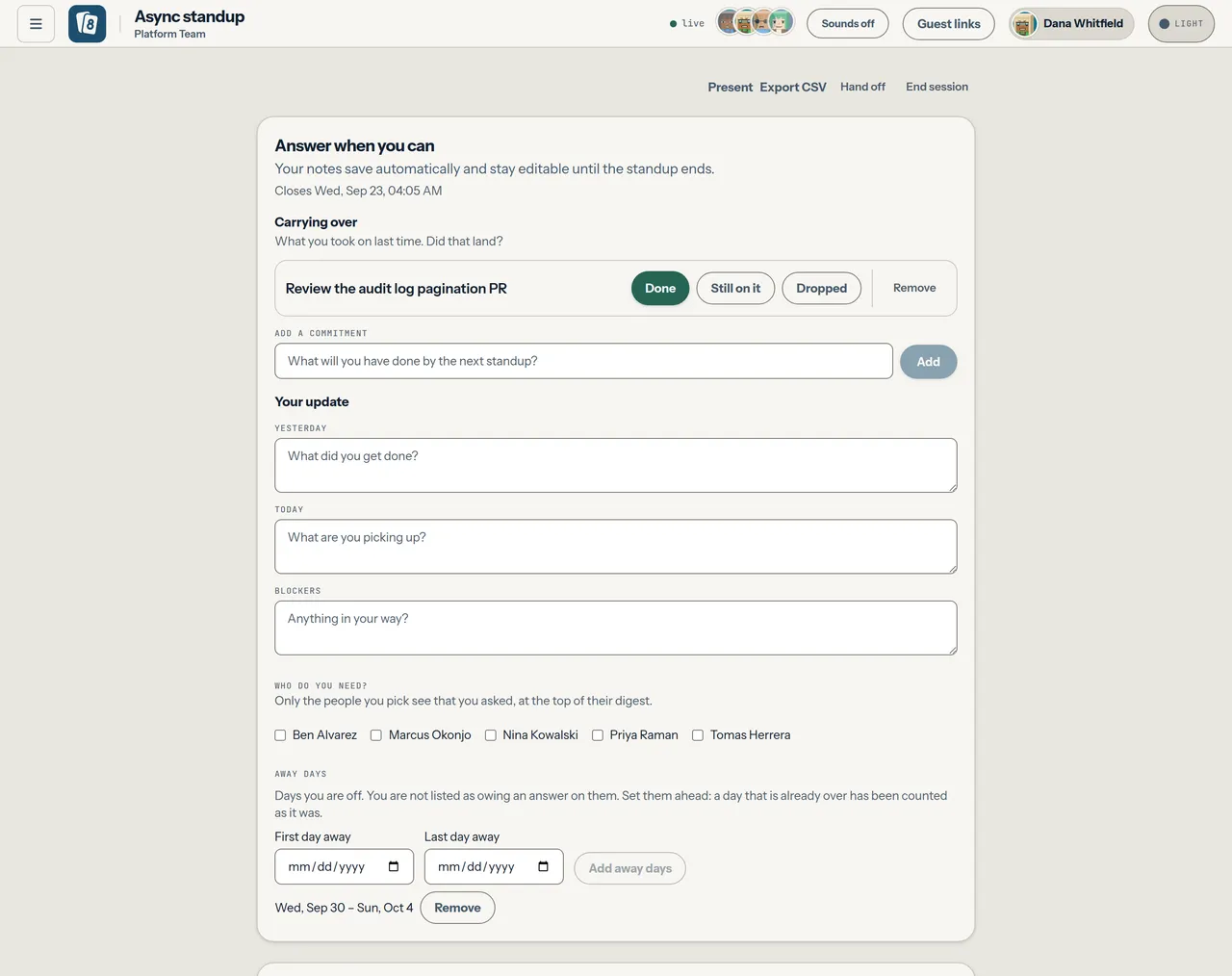
Section titled “3. Answer”Write today, then blockers, then anything from yesterday. The form is prefilled from what you said last time and saves as you type. It stays editable until the standup ends, and an answer written after the published cutoff is appended like any other: once the cutoff has passed, the form says Cutoff was that time and that late answers are still added.
If a blocker needs somebody, tick them under Who do you need? Only they see that you asked, at the top of their digest.
4. Say when you are away
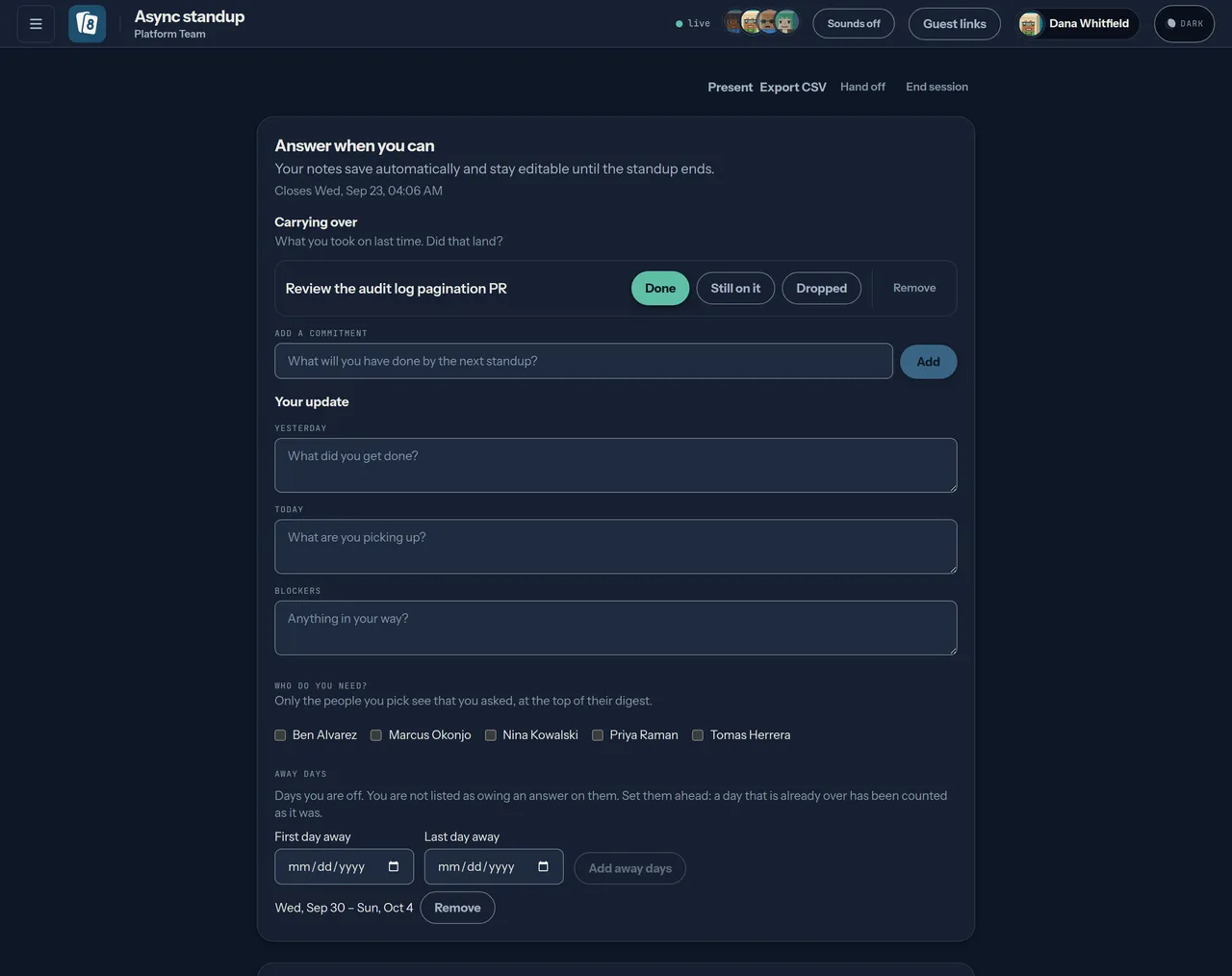
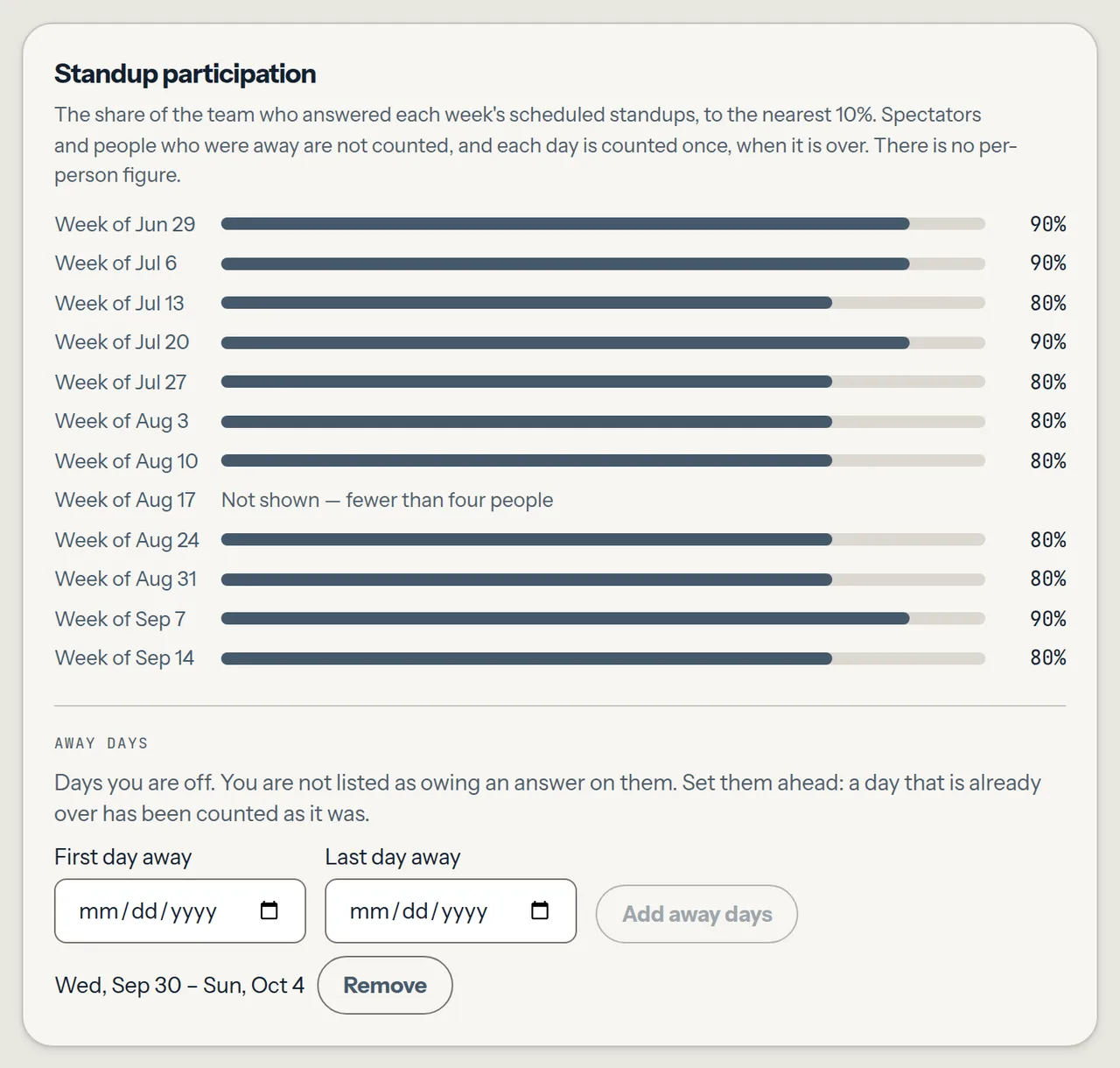
Section titled “4. Say when you are away”Away days takes a first and a last day. It sits under your update in an open async standup, and beside the trend on the space page, so you can set it before any standup opens. On those days you are listed under Away rather than Not yet, in every space you are in, and you are not counted in the trend for them. Remove a range with its Remove button. Only you can set yours; nobody can mark a teammate away.
Set a range ahead of time. One set after a day is over does not change that day: the trend counted it when it ended, and a range created afterwards is never read back into it.
5. Read the digest
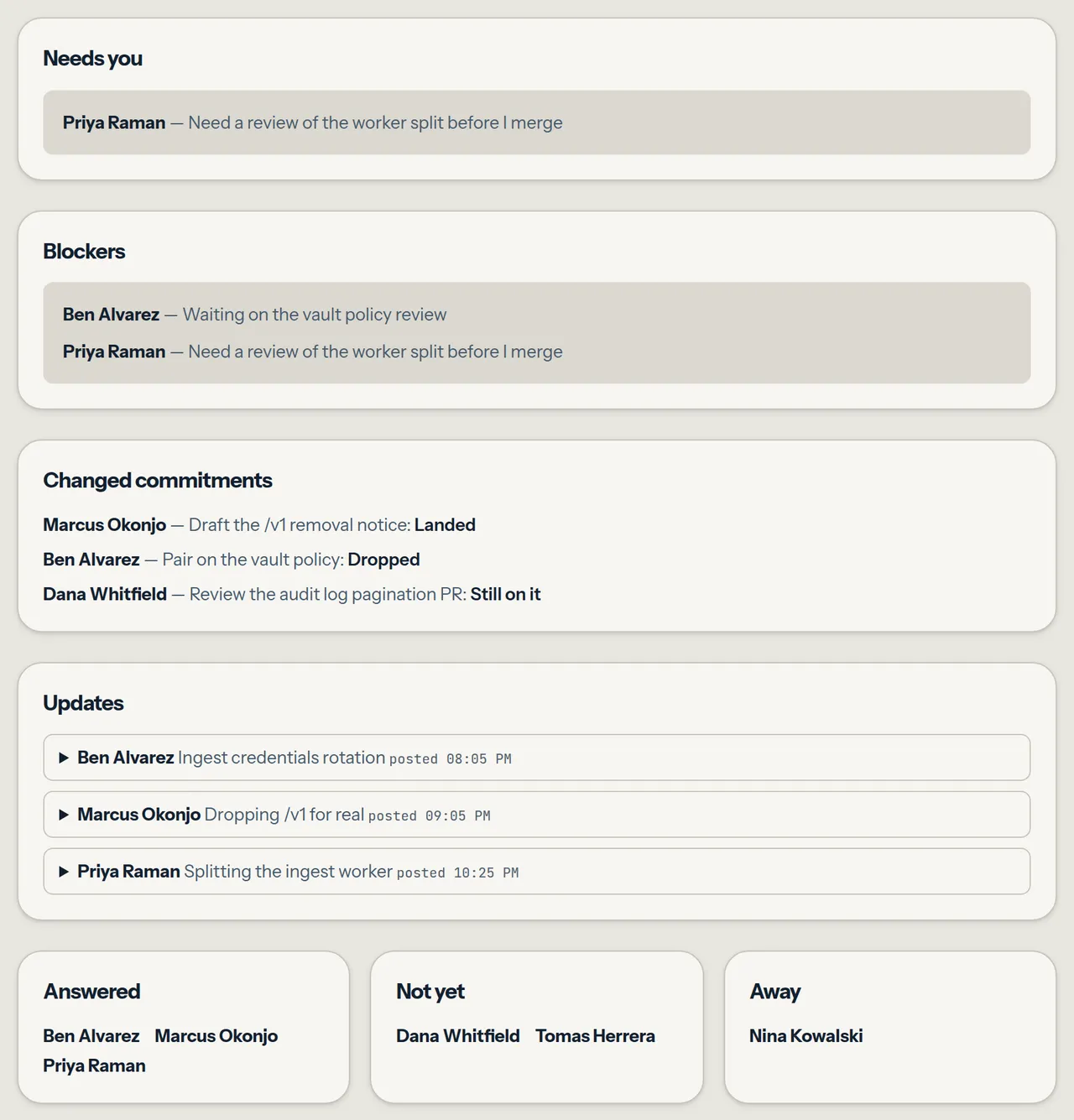
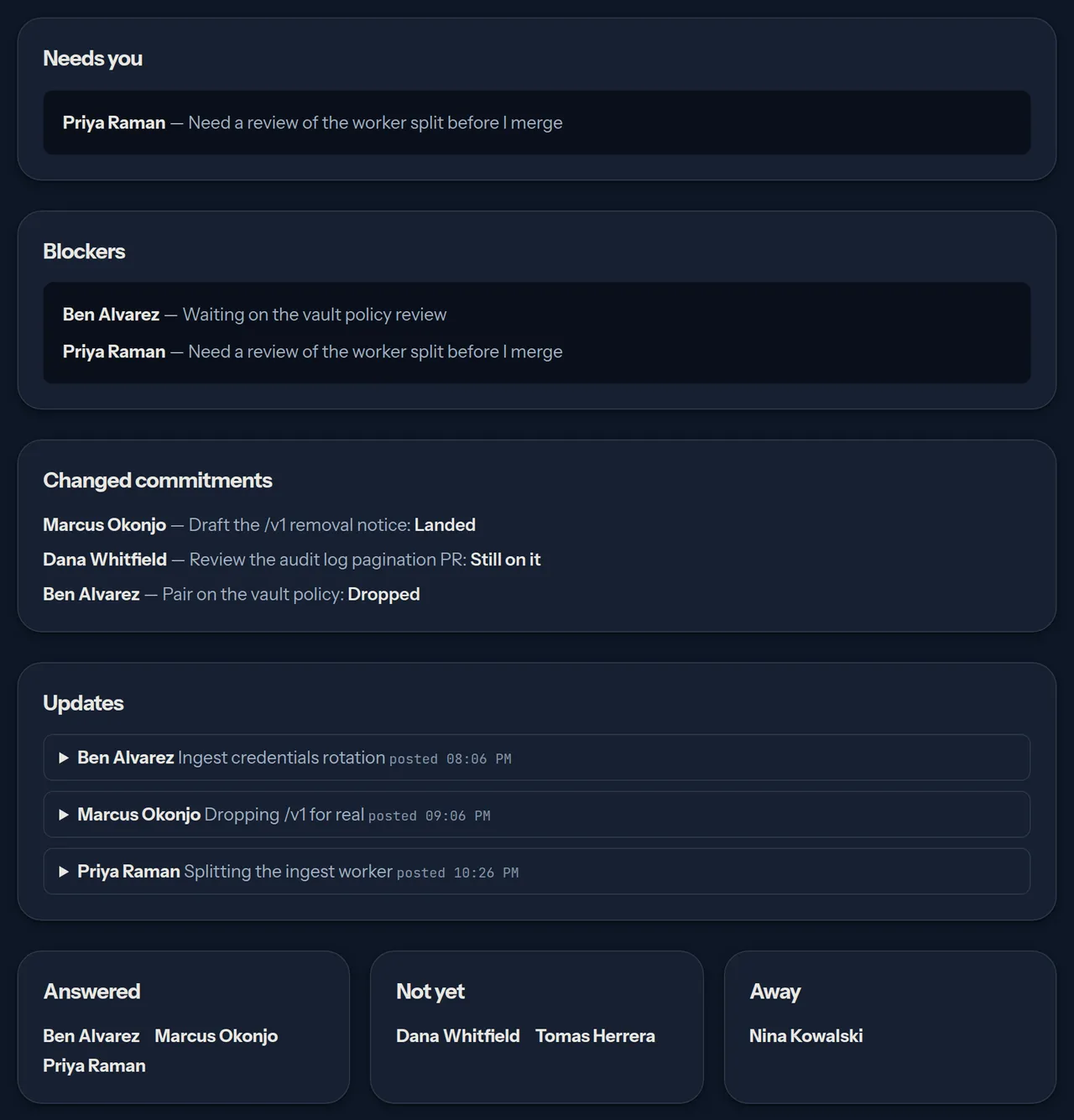
Section titled “5. Read the digest”The digest reads top to bottom: Needs you, Blockers, Changed commitments, Updates, then Answered, Not yet and Away. Names are listed without counts and without alarm colours. Not yet covers every member of the space who is not a spectator, including anyone who has not opened the standup yet, and each signed-link guest once it has joined; an unused link is never listed.
The away list is served only on the standup’s own day — the slot’s local date in the schedule’s time zone, or for a standup opened by hand, its UTC creation date — and never to a signed-link guest. Once the standup ends only the updates remain: the not-yet and away lists and what the standup changed about commitments are never stored and are no longer served. Reopening an old standup does not bring the away list back, because that day is not today.
6. Look at the trend, as a team
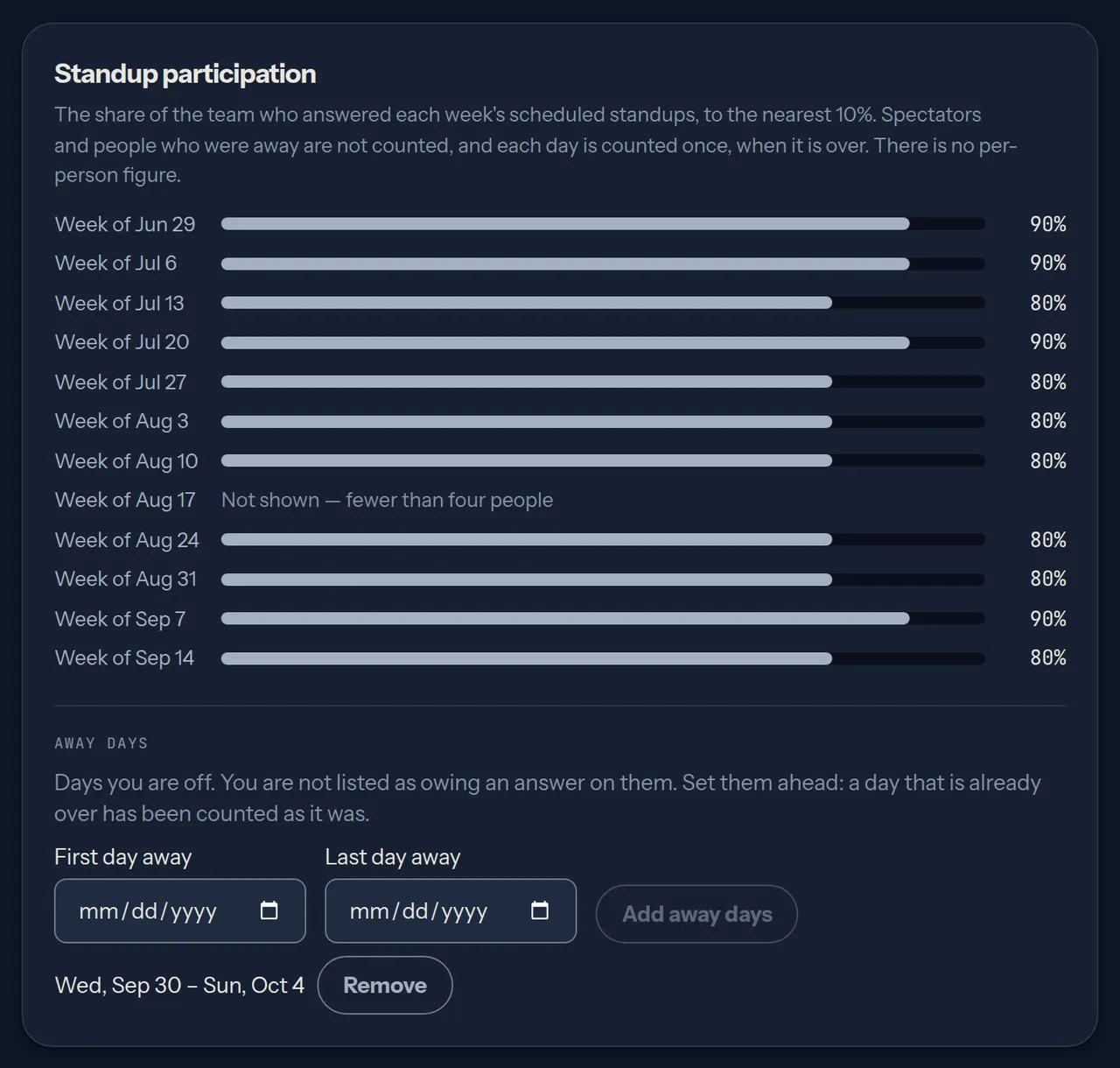
Section titled “6. Look at the trend, as a team”On the space page, Standup participation shows, for each of the last 12 completed weeks, the share of eligible people who answered that week’s scheduled standups. It is one number per week for the whole team — never per person.
It is built so a small team cannot be read one person at a time:
- Each day is frozen once. When a scheduled standup’s day is over — the standup ended, by the facilitator or by the next slot opening, or its local date has passed — Parley saves two counts for it: how many people were eligible and how many of them answered. The trend adds up those saved counts and nothing else. Removing or adding a member, turning spectating on or off, setting an away day after the fact, reopening the standup and answering late all leave a saved day exactly as it was.
- Scheduled standups only. Only standups the space’s schedule opened are trend days. A standup opened by hand never counts, so extra rooms cannot be created to move a week.
- A day under four is dropped. A day with fewer than four eligible people is left out before anything is added up, and a week with nothing left says Not shown.
- One decimal place. Each week’s ratio is rounded to 0.1 (shown as the nearest 10%), so it does not pin down the counts behind it.
- Fixed weeks, completed only. Weeks run Monday to Sunday by the slot’s local date in the schedule’s time zone, not by UTC. The endpoint takes no parameters, and the running week is never shown; a week appears once it is over in every time zone.
Eligible for a day means a member of the space, not a signed-link guest and not a spectator, who was not away that day by a range set before the day was over. Spectator is the member’s spectator flag — the one the room’s spectator toggle sets and the digest reads — as it stood when the day was saved.
What this does not hide: a member who watched an open standup on the day saw who answered and who was away, and the updates stay readable once it ends. The trend adds only a rounded team ratio on top of that. Treat it as a question for the team — is this format working for us? — rather than as a measure of anybody.